Inspection Common Issues
Frequently encountered problems during inspection operations and their solutions.
Operative has different product to what the system requires
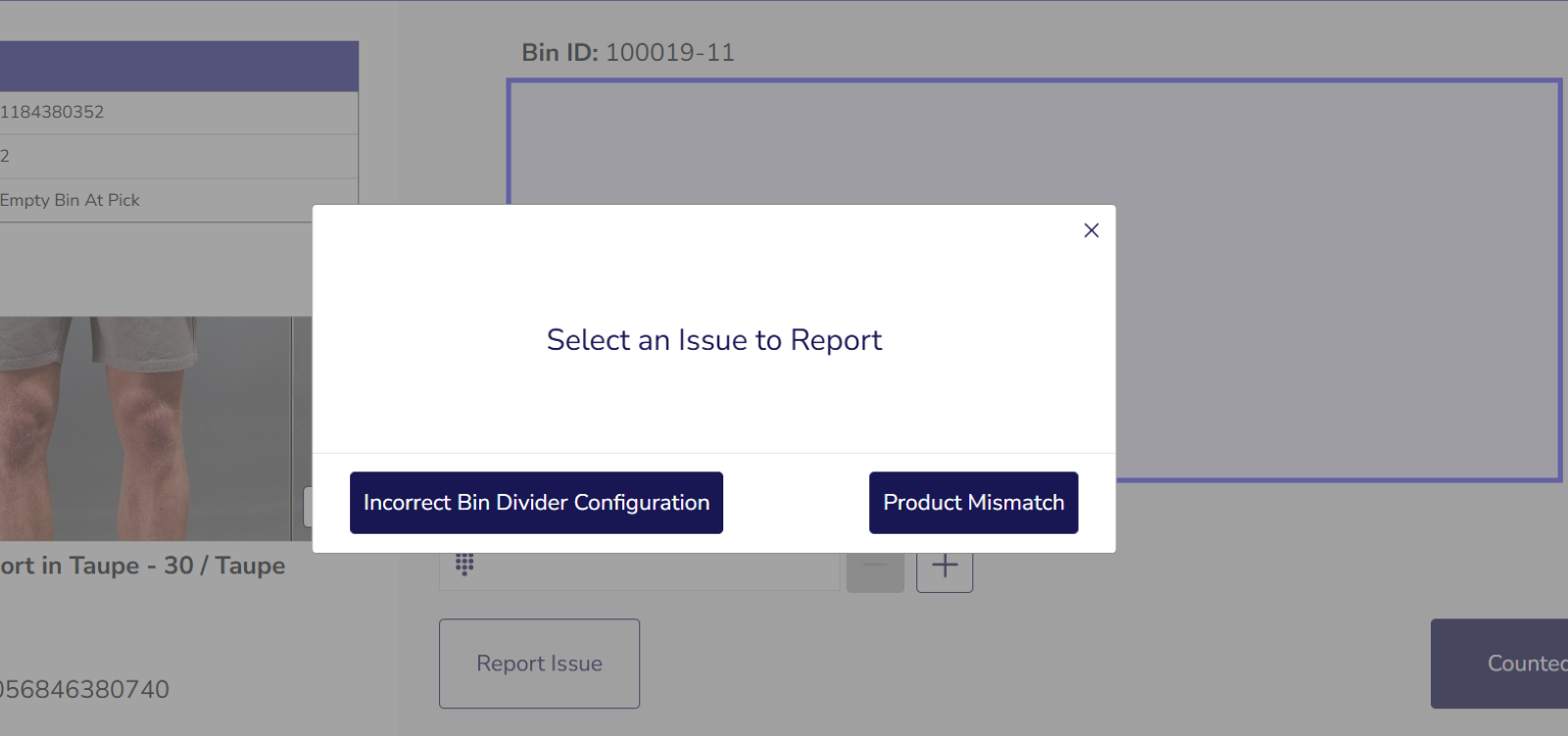
Section titled “Operative has different product to what the system requires”Solution: Report “Product Mismatch” by clicking “Report Issue” on the inspection workflow. Operator is expected to register the stock they actually have to ensure accurate stock reporting.
Product Mismatch steps:
- Select “Report Issue” followed by “Product Mismatch”
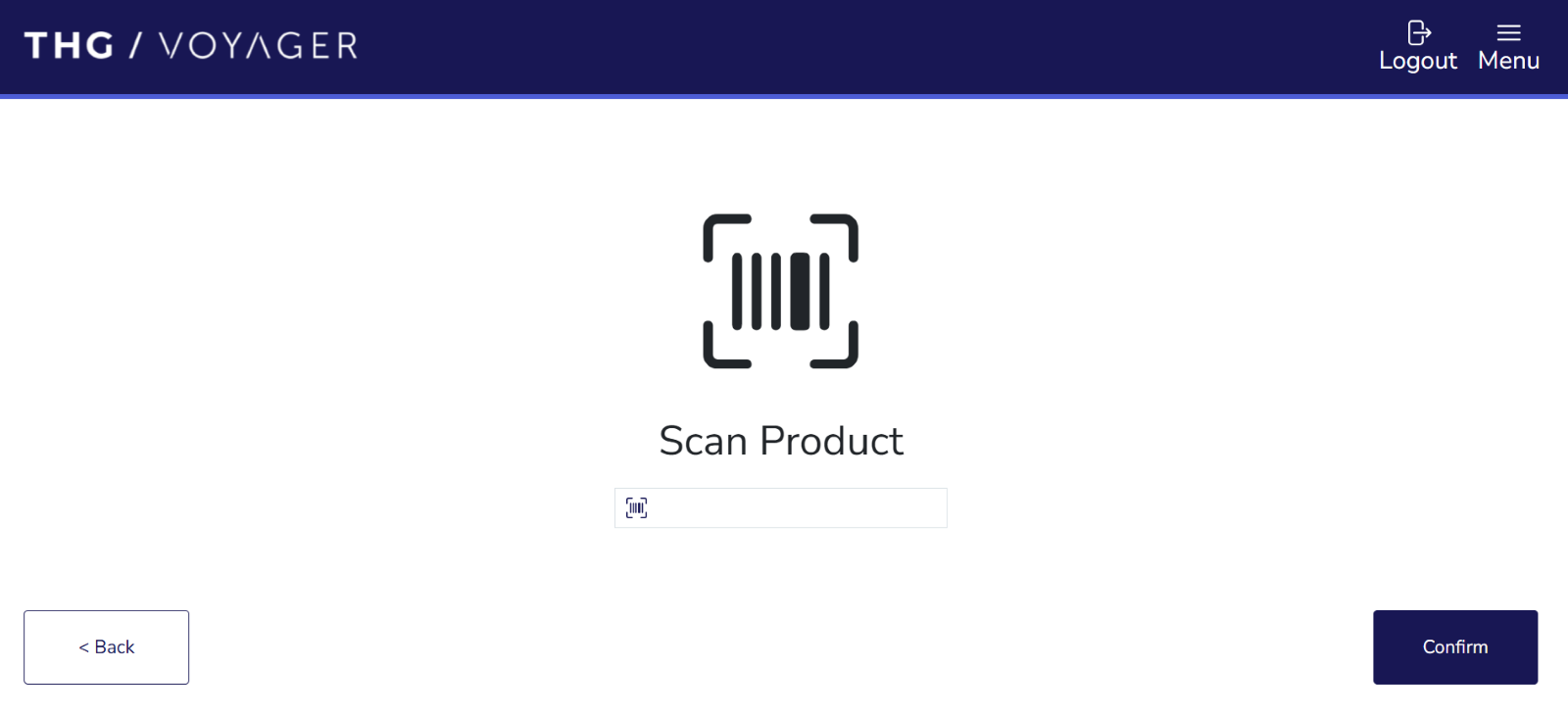
- Scan the physical product present in the bin/sub-bin
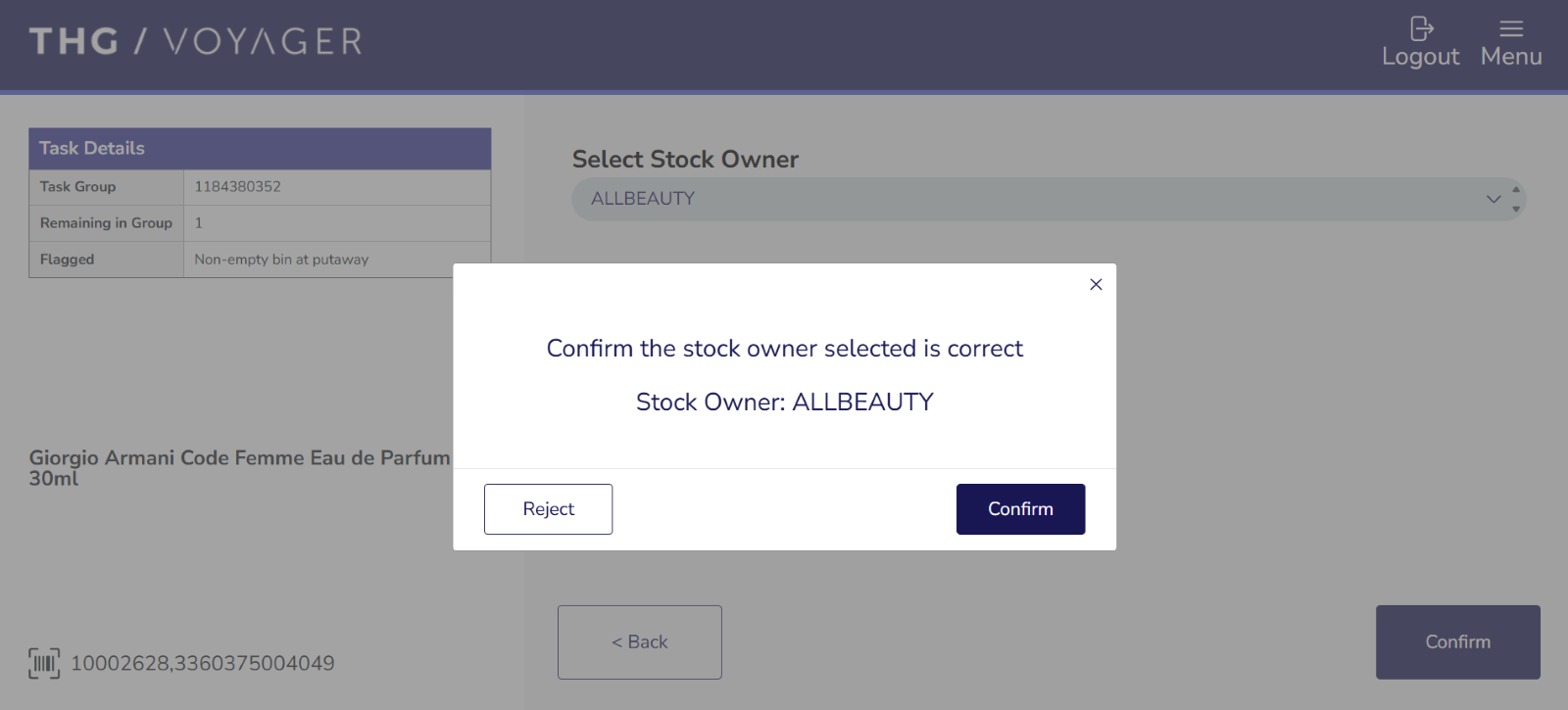
- Select Stock Owner for the product
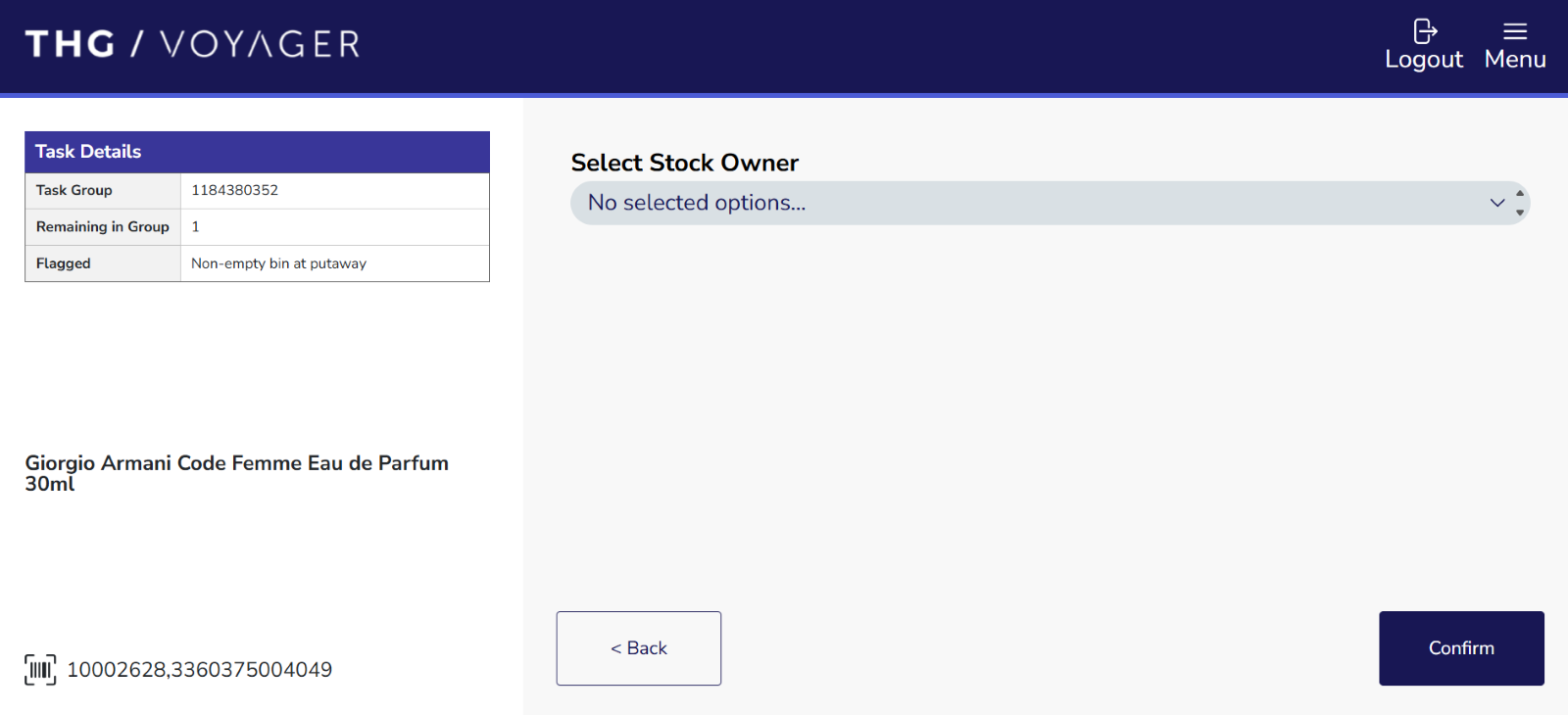
- Confirm the Stock Owner
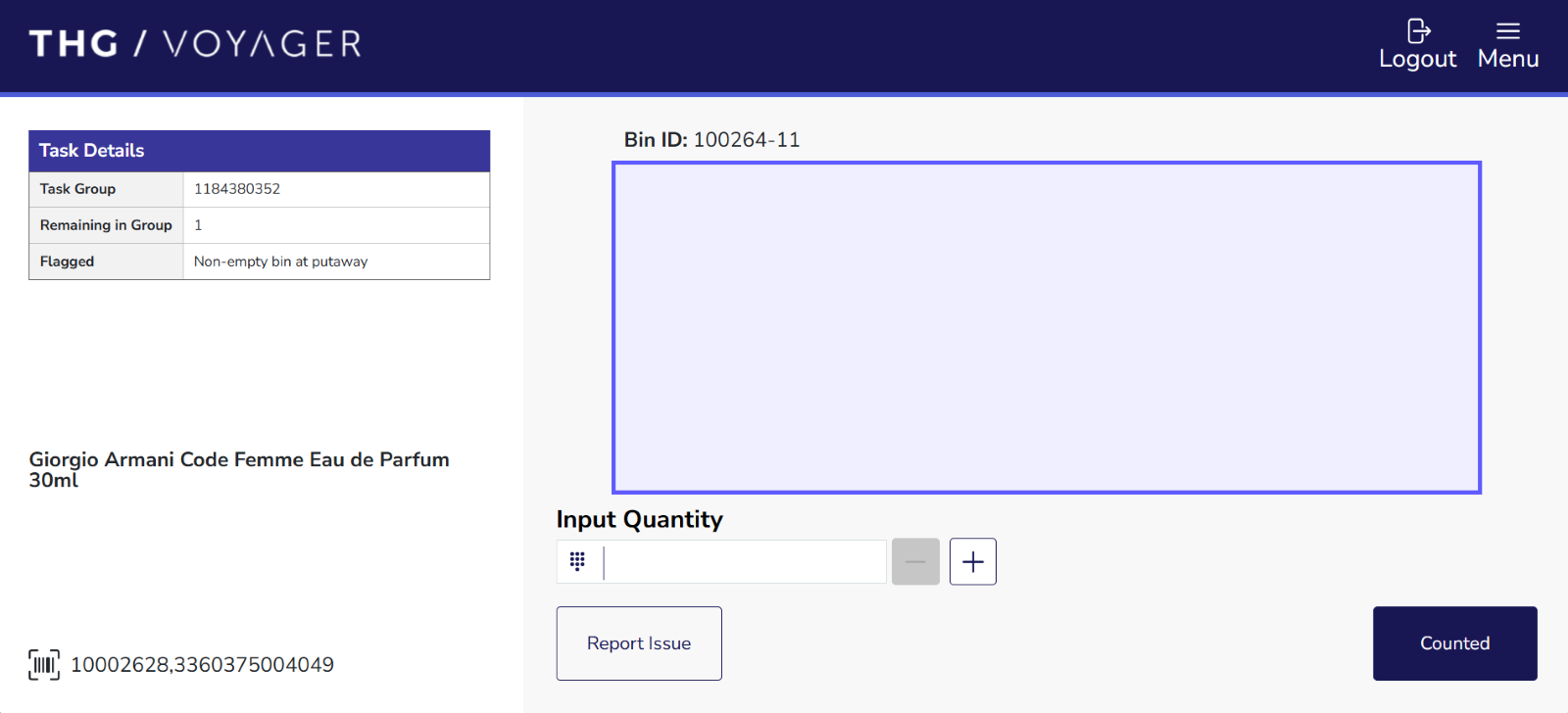
- Confirm Quantity
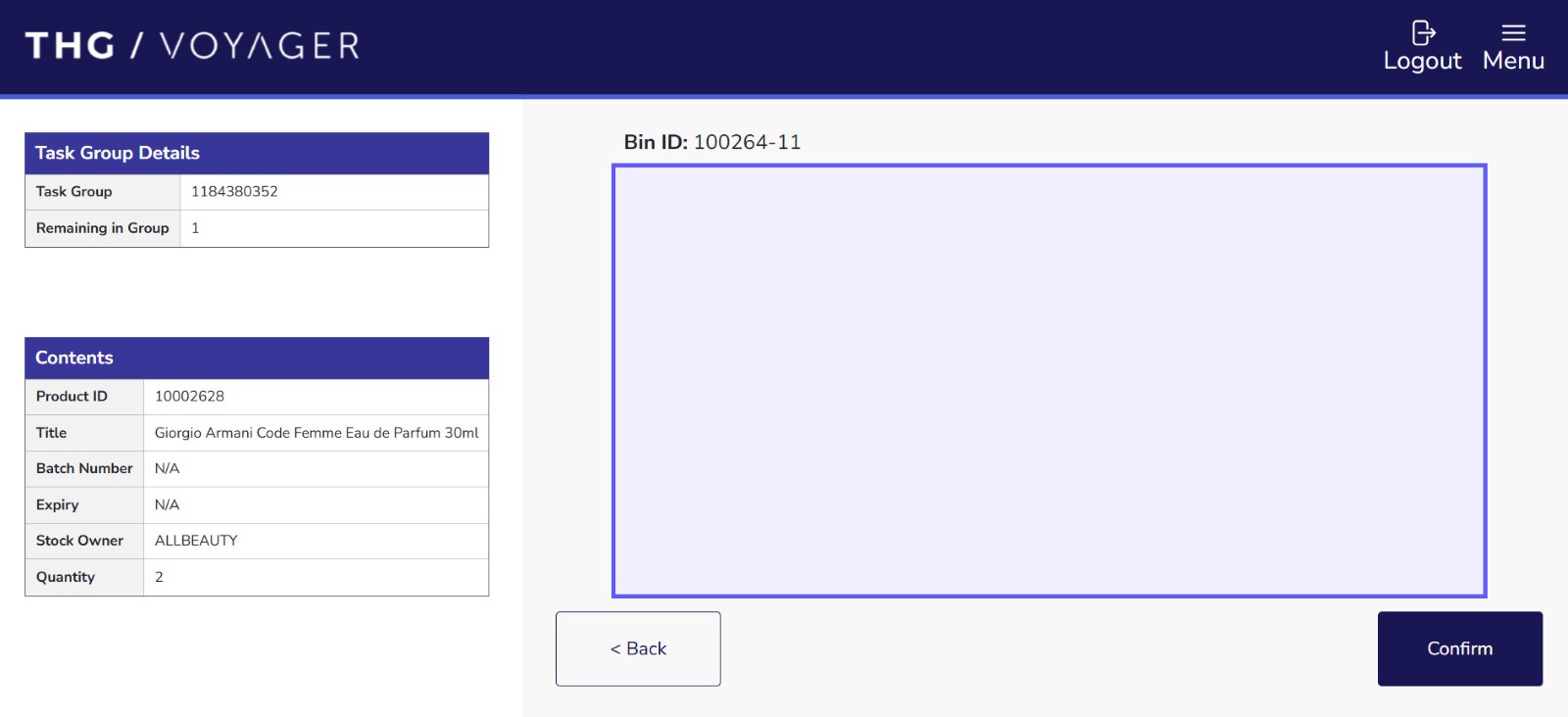
- Confirm count is now finished
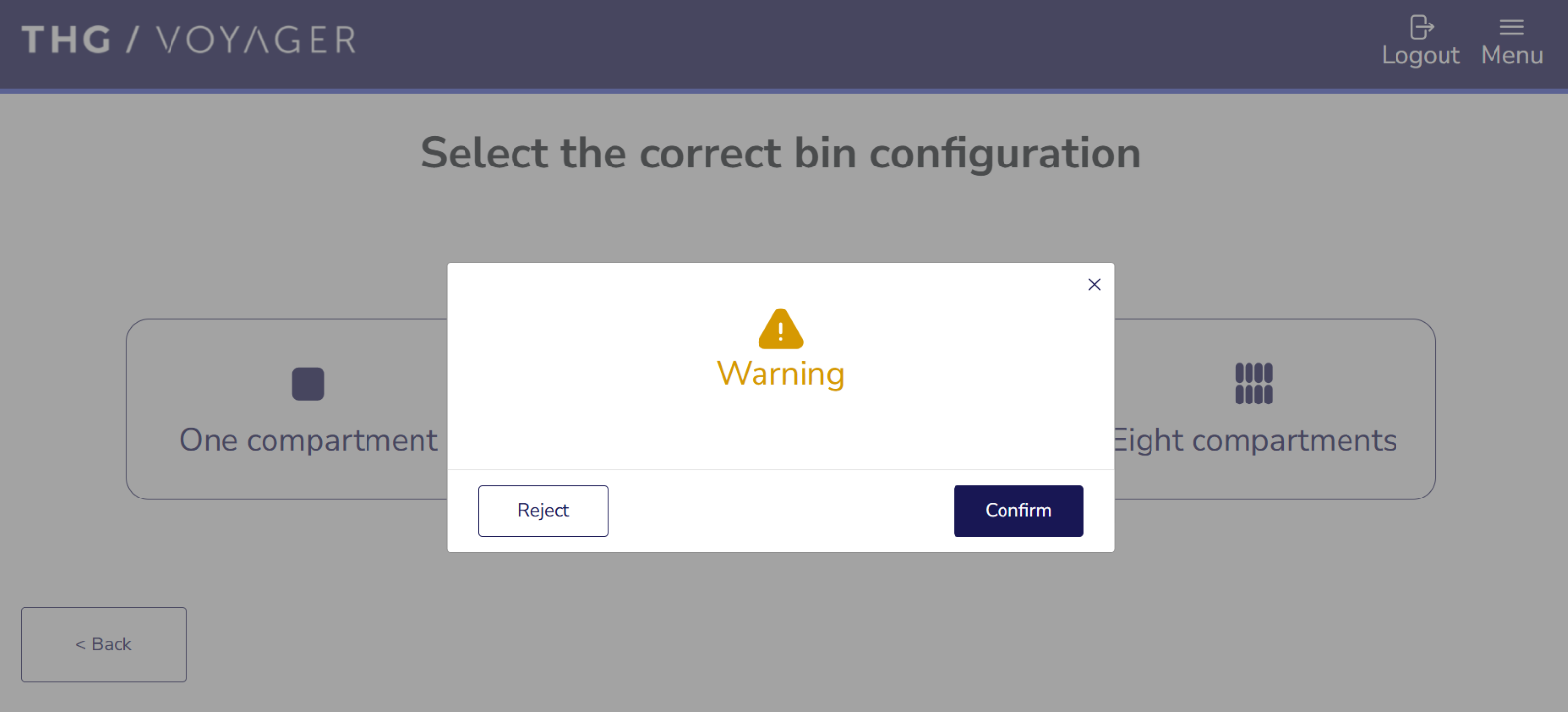
Bin Configuration is incorrect and needs updating
Section titled “Bin Configuration is incorrect and needs updating”Solution: Change bin configuration and update the layout of the bin.
Steps for changing bin configuration:
- Select “Report Issue” followed by “Incorrect Bin Divider Configuration”
- Select the correct bin configuration
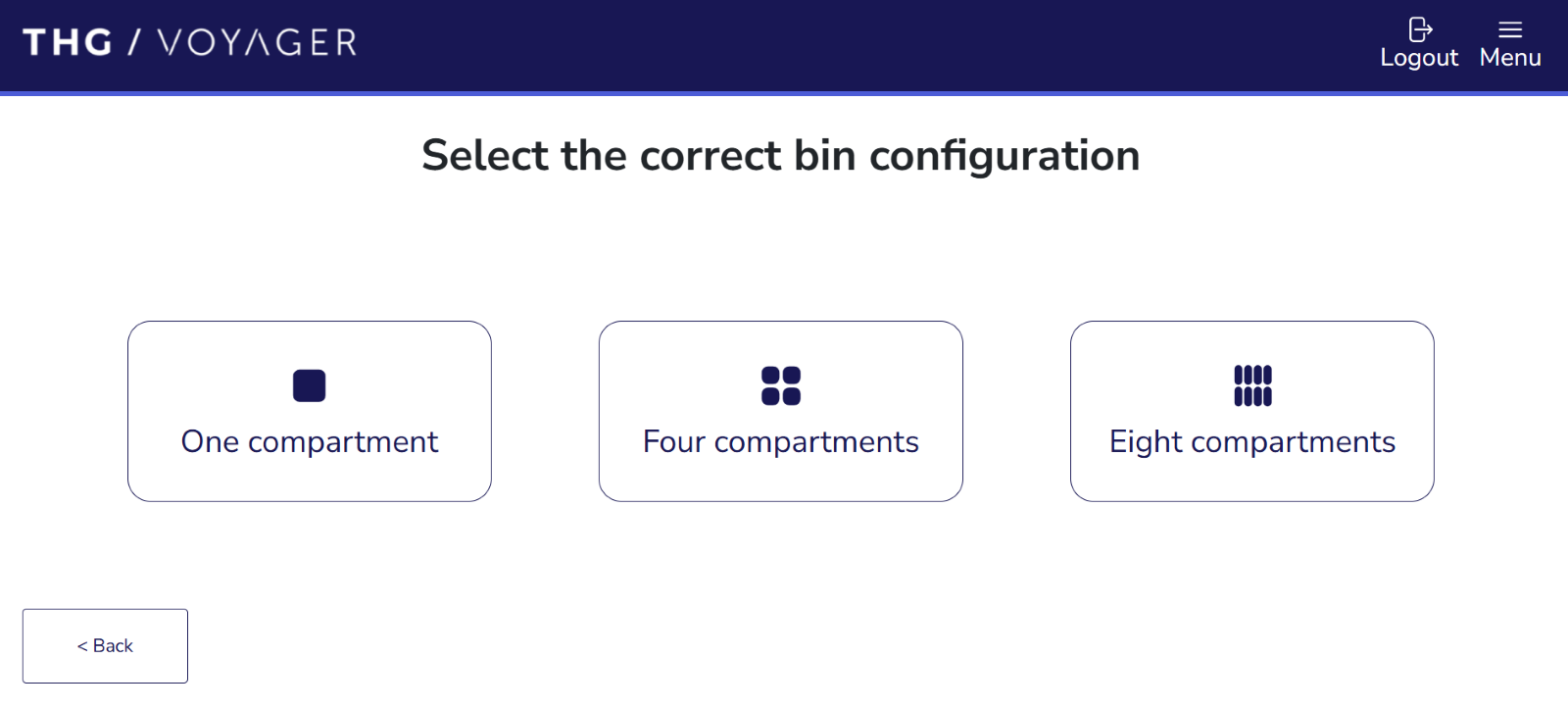
- Confirm the bin configuration