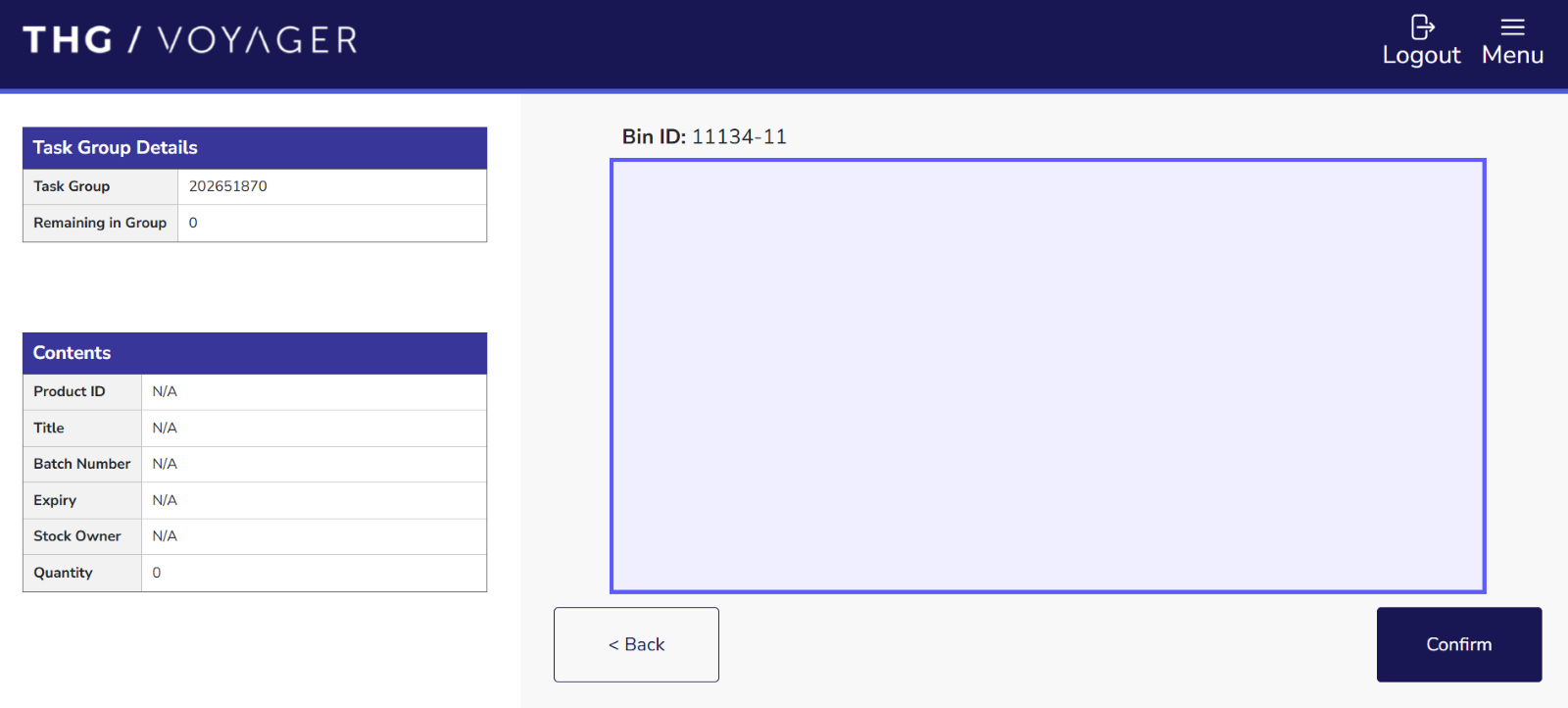
Inspection Happy Path
Inspection happy path represents the standard inspection workflow where stock or bin is successfully retreived and counted.
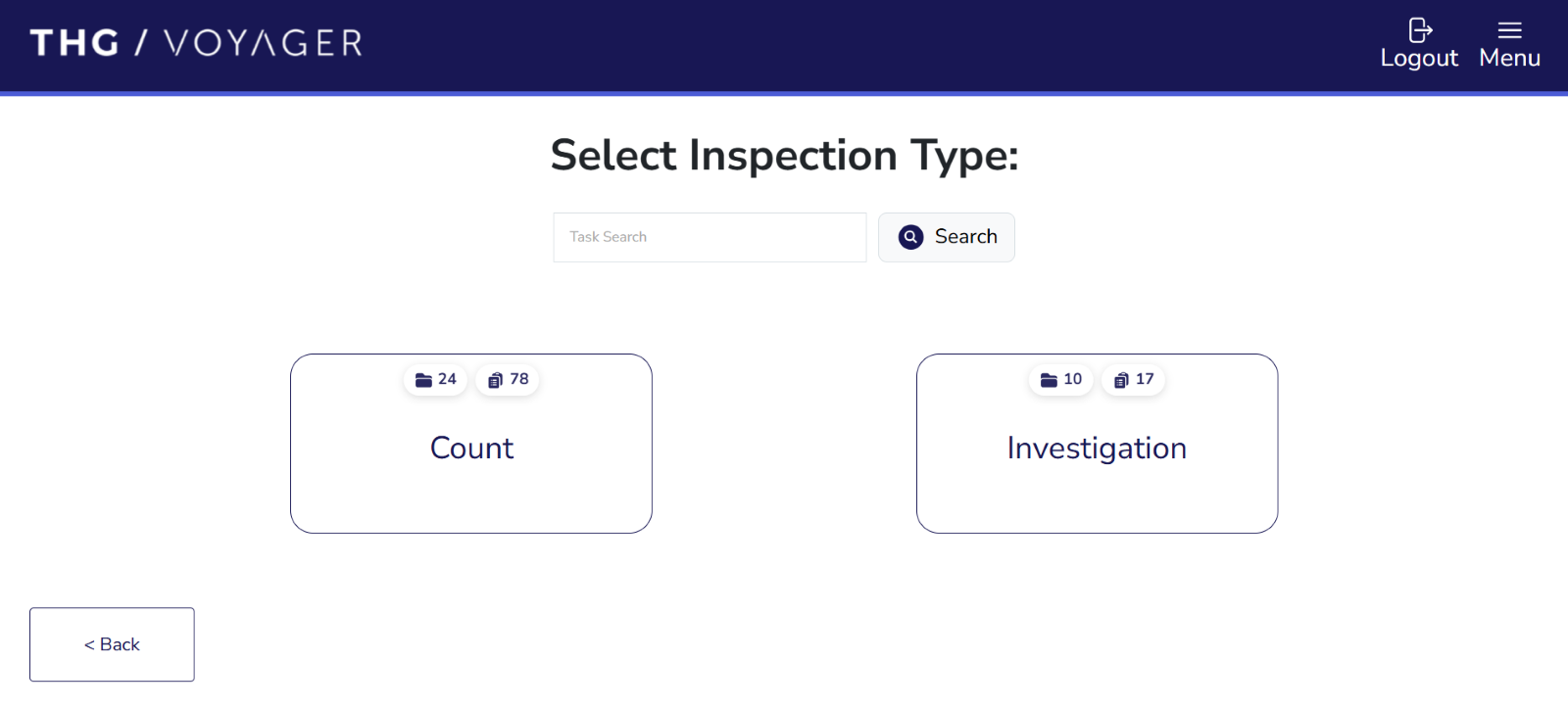
Investigation task is generated automatically via Pick or Putaway workflows. When an operative reports an issue during these workflows, an automatic inspection task is generated to check the stock or bin reported. Inspection results are then taken as source of truth for stock position.
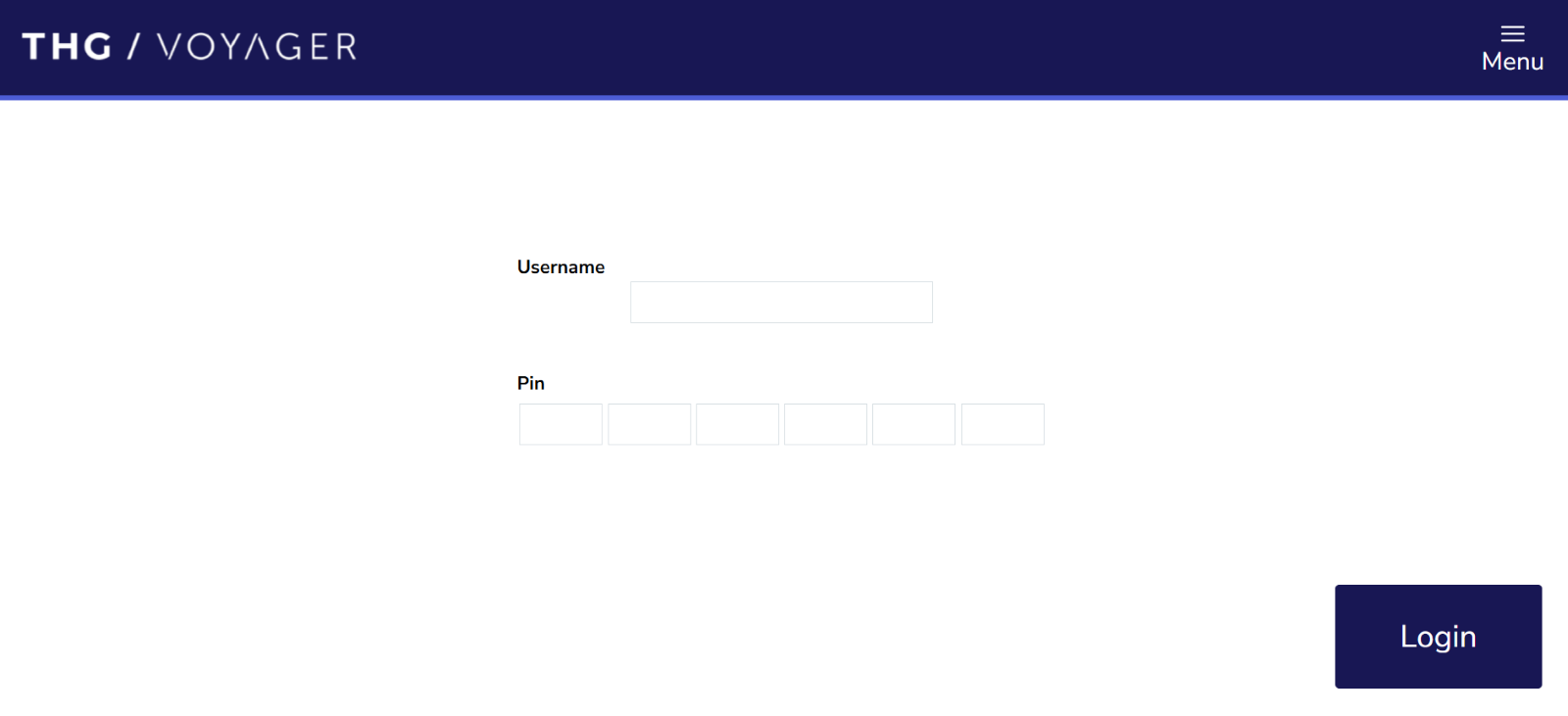
- Operator uses personal credentials to log in
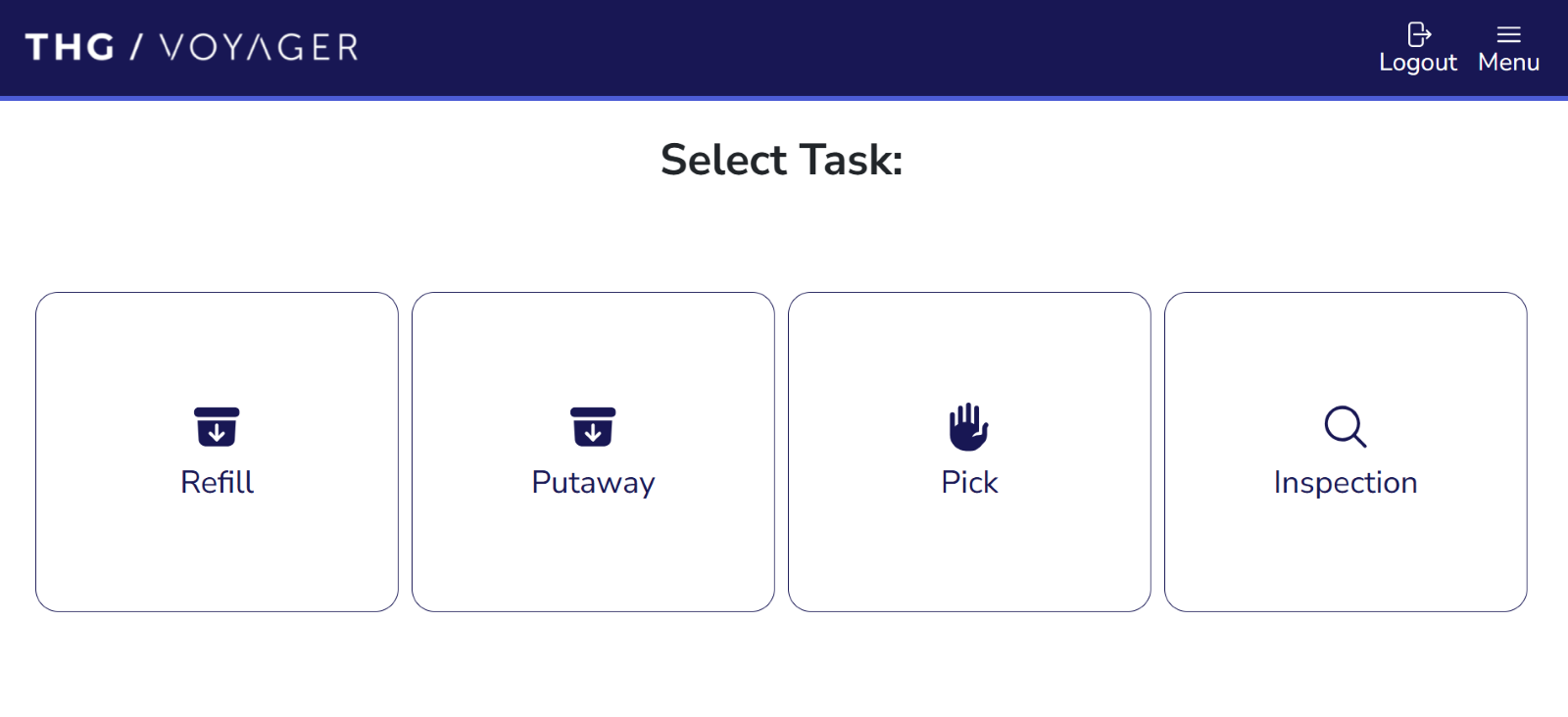
- Select the ‘Inspection’ workflow
- Select Inspection Type
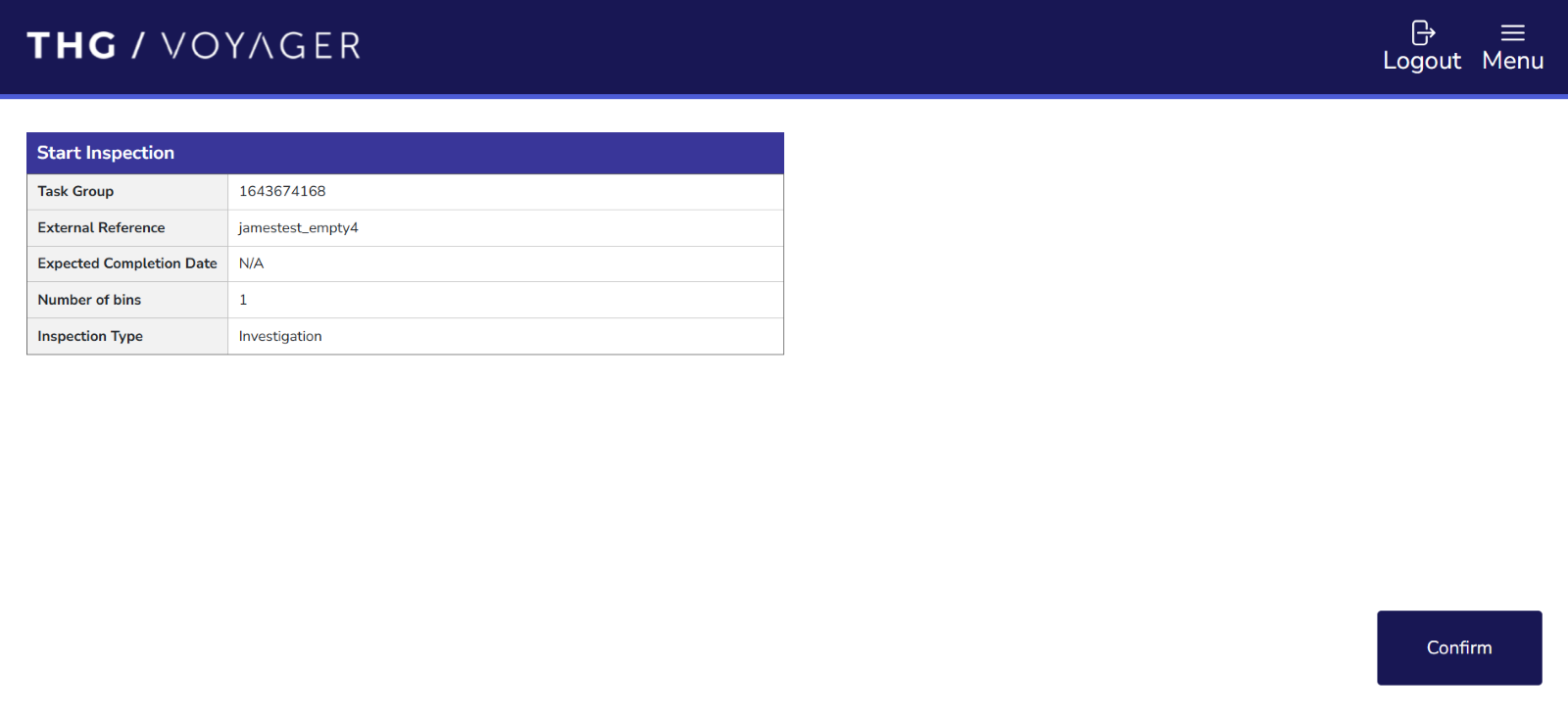
- Confirm Inspection task summary
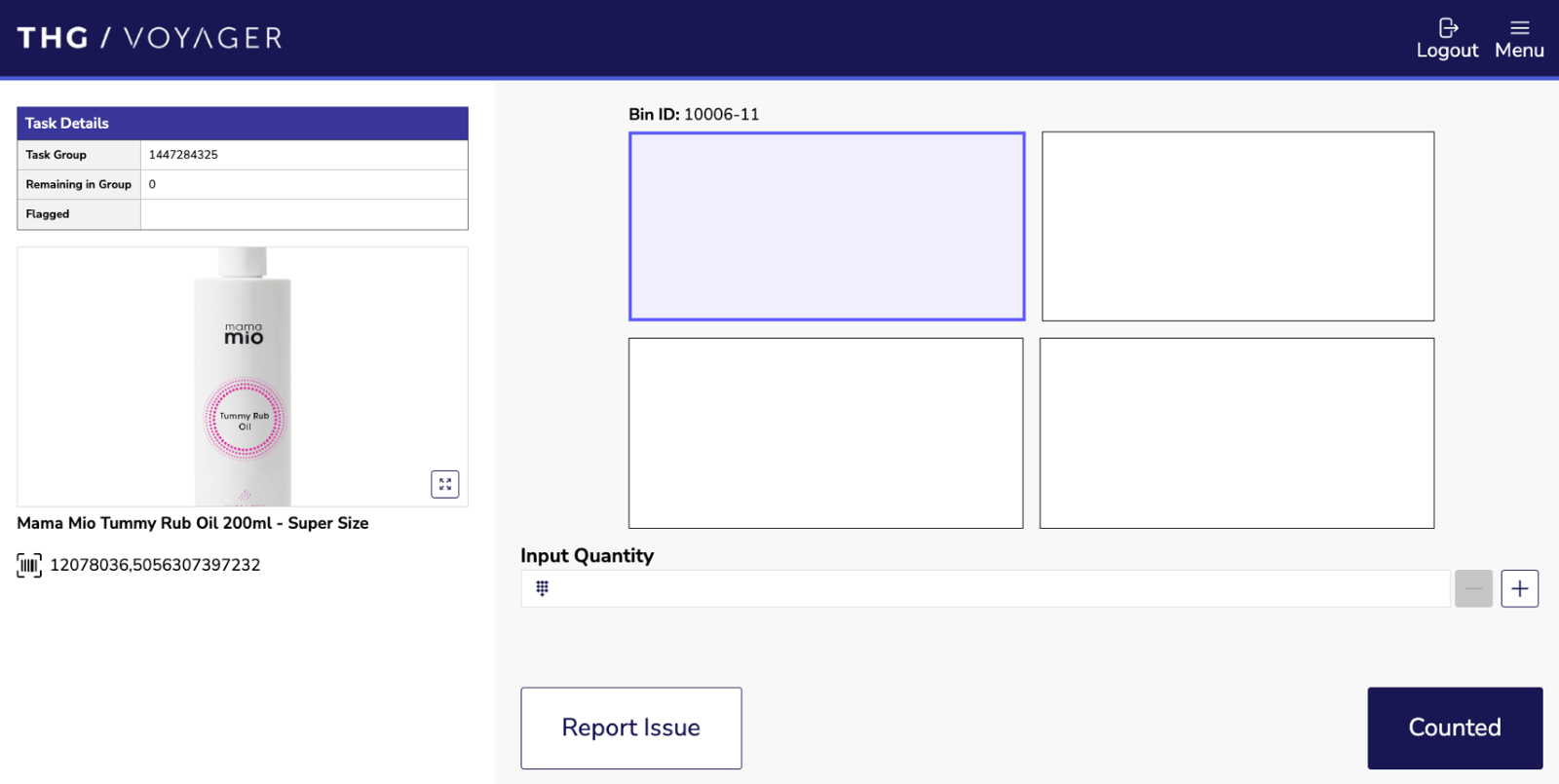
- Confirm Quantity of the displayed product
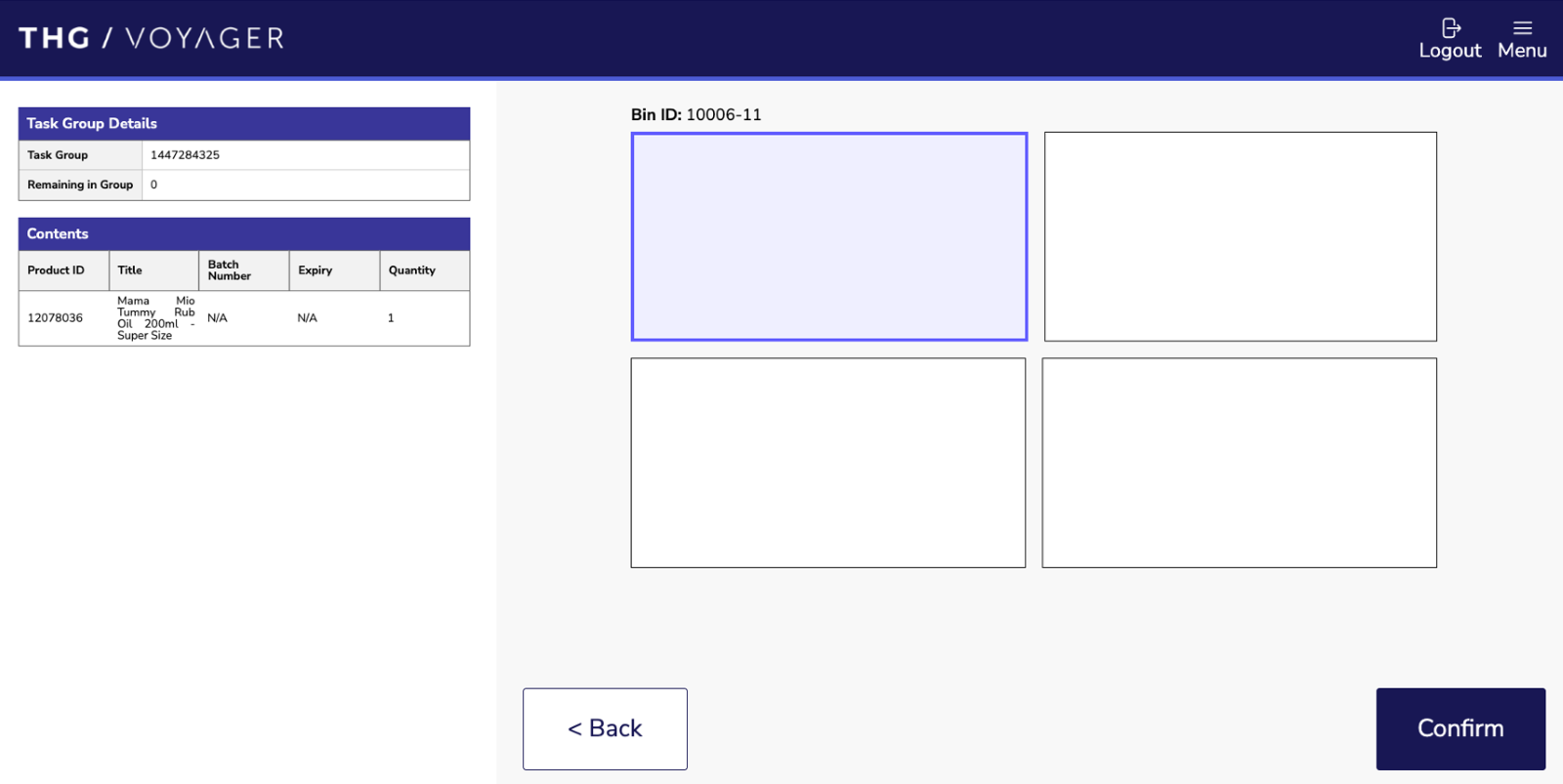
- Confirm placement
- Repeat steps 4-6 until no more tasks are available
Note It is possible that the task requires operative to confirm that the bin is empty. In this case, the same workflow steps apply - the task summary will ask to confirm the bin as empty